
Recommend For You









Geometry Dash Lite: Wave Editor
🎮 Geometry Dash: Wave Editor Mode 🚀
Dive into the ultimate creative challenge with the Wave Editor! As part of the iconic Geometry Dash series, this version puts the power of level design directly into your hands. You aren't just a player anymore—you are the architect of your own neon-lit destiny! 🛠️✨
🌟 Game Features
-
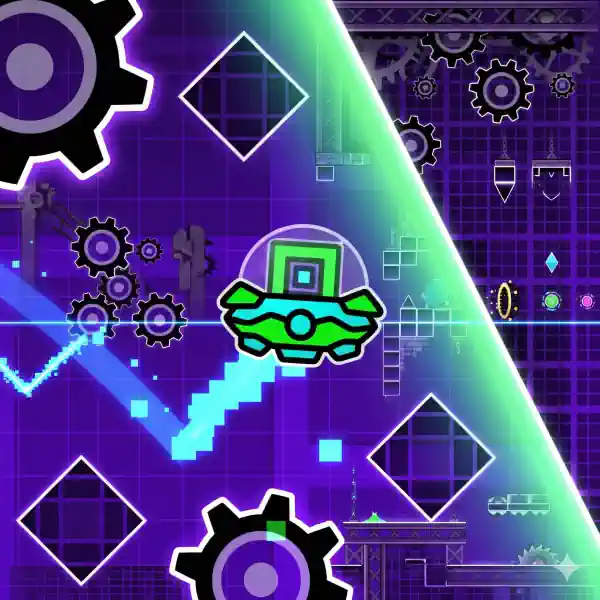
Be the Designer: Create complex, high-speed levels from scratch using a variety of obstacles like blocks, deadly saws, and mystical portals. 🏗️📐
-
Master the Portals: Experiment with different portals that transform your Wave or shift your speed. Combine them to craft unique paths and unpredictable difficulty spikes! 🌀⚡
-
Show Your Creativity: From simple warm-ups to "Impossible" demon levels, show the world your artistic vision and technical skill. 🎨flex
🕹️ How to Play & Build
-
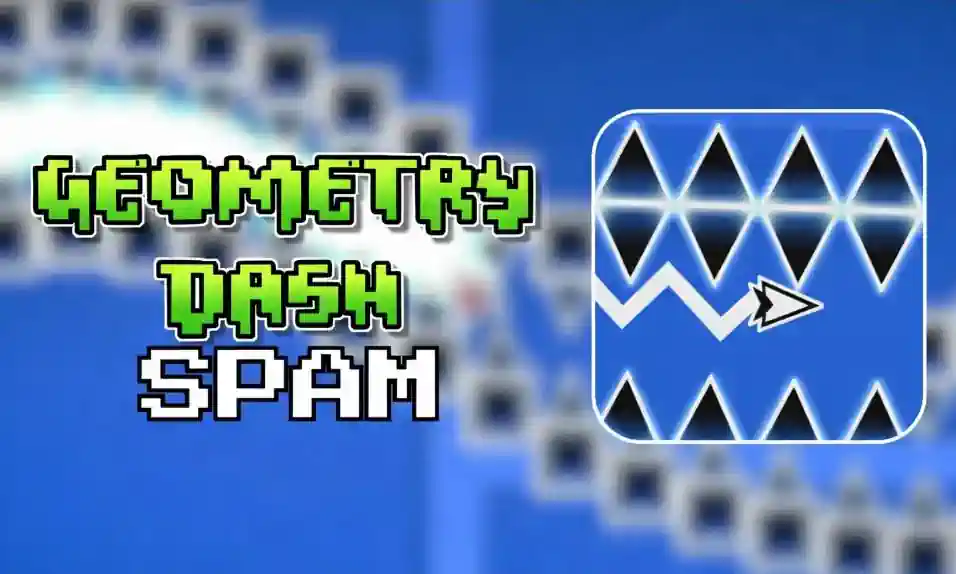
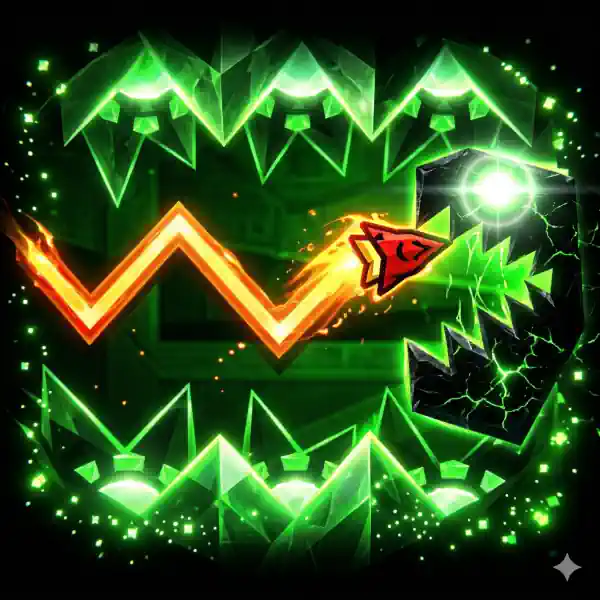
The Wave Mechanic: Control is simple but challenging! Hold the Left Mouse Button (or tap your screen) to make the Wave fly up diagonally. Release it to let the Wave dive down. Navigate through tight gaps and dodge every hazard! 🌊📉📈
-
Building Tools:
-
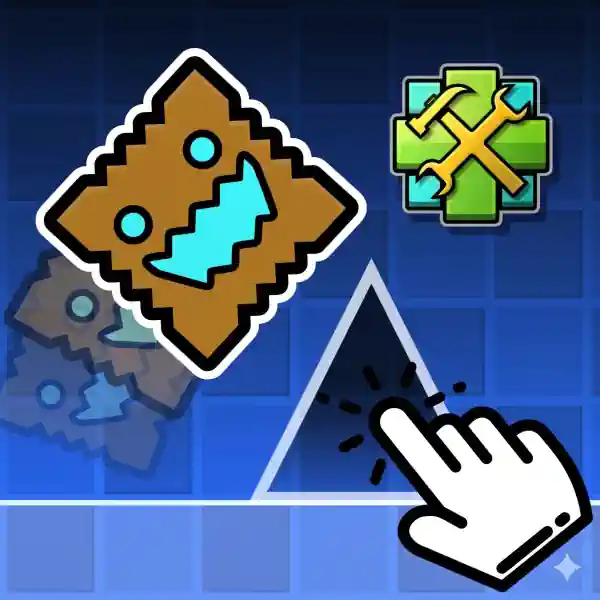
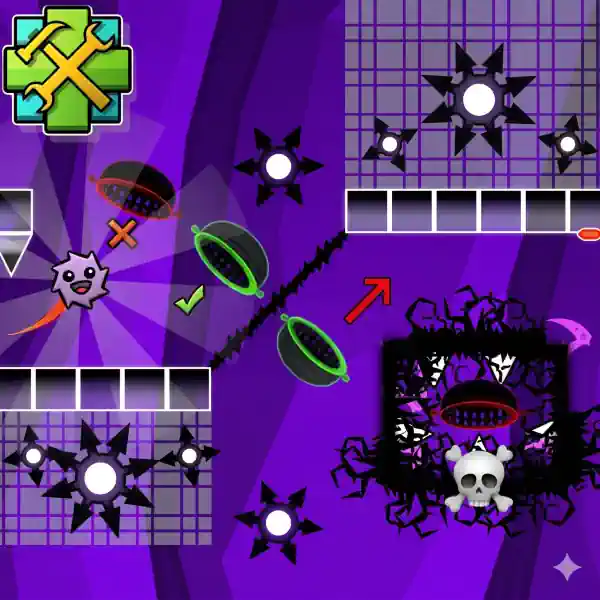
Place Objects: Select obstacles or portals from the menu and drag them anywhere on the grid. 🧱
-
Move Around: Use the Double-Arrow button to navigate through your expanding map. ↔️
-
Customize: Hit the Settings icon to change background colors and set the vibe for your level. 🌈
-
Edit & Delete: Made a mistake? Toggle the Trash Can icon (red mode) and click on any object to remove it instantly. 🗑️❌
-
Test Your Creation: Hit the Play button to jump straight into your level and see if you have what it takes to beat it! ▶️🏆
-
Are you ready to build, test, and conquer? Start creating your masterpiece today! 🔥🕹️